

Use the information below to resolve issues that you may notice while installing a profile on your child’s device.
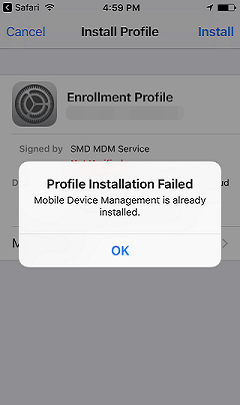 |
You see this message if another MDM profile is already installed on the device. Follow these steps to remove the existing one and add NortonLifelock’s profile.
|
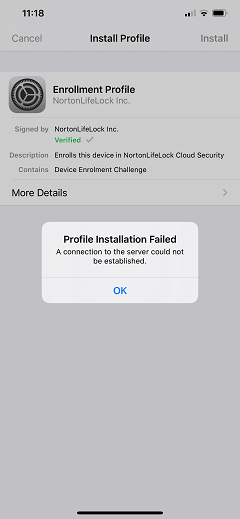 |
This occurs if MDM server is down or not responding to the requests due to some connectivity issue. Retry after sometime by following these steps:
|
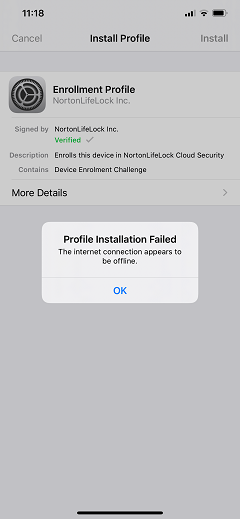 |
Check your device’s Internet connection and try again following these steps:
|
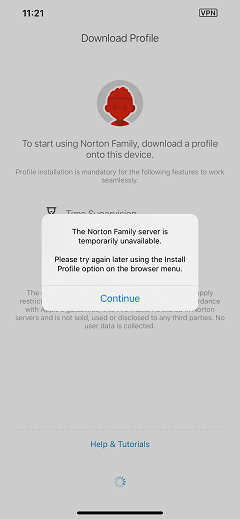 |
Norton Family server may be currently unavailable. Try installing the profile again after some time.
|
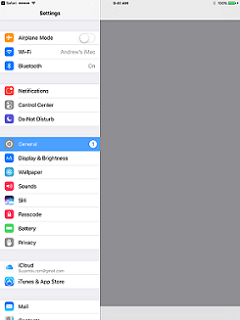 |
If you see blank screen on your Settings app, try installing the profile following these steps:
|
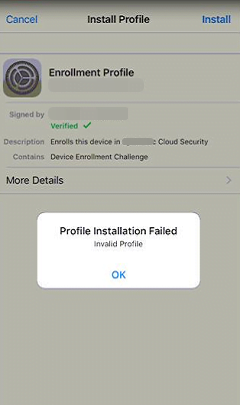 |
This can happen due to back-end issues such as the following:
Try installing the profile again after some time. |
Need more help?
Source : Official Norton Brand
Editor by : BEST Antivirus KBS Team
(Visited 26 times, 1 visits today)