

Download and use HouseCall to scan your computer for malware.
Scan on your Windows PC
- Download HouseCall and save it to your desktop.
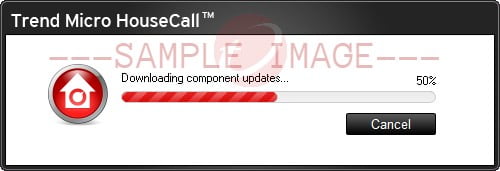
- Click Run. Wait for HouseCall to download the necessary components.
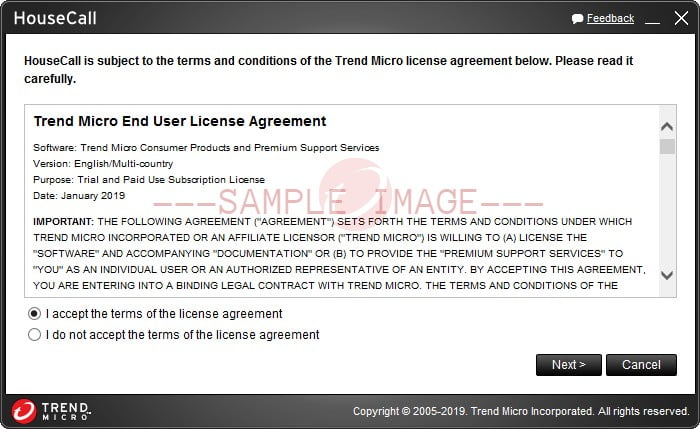
- Read and accept the terms of the license agreement, then click Next.
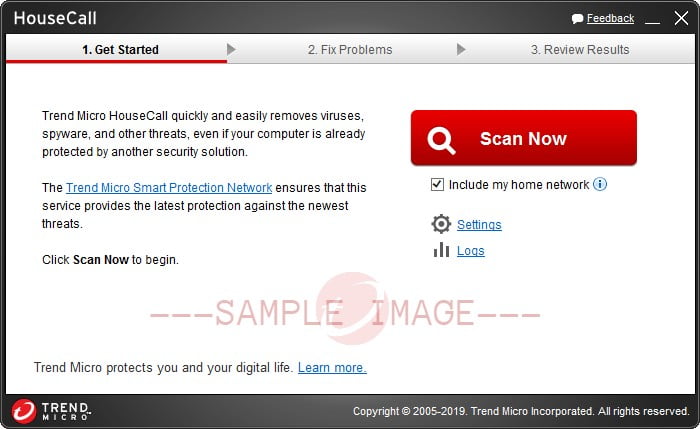
- Click Scan Now.
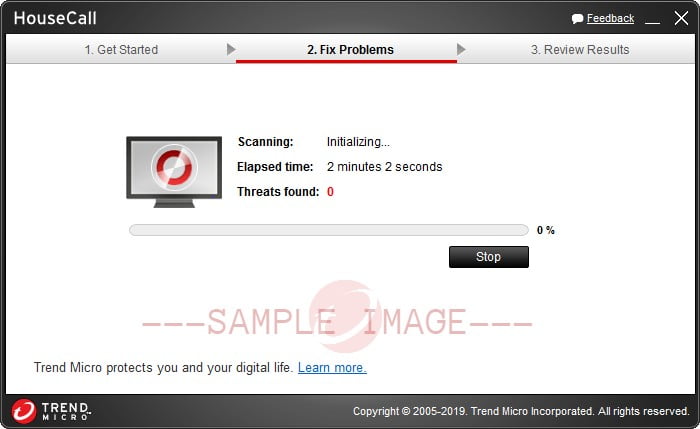
- Wait for the scan to finish. A summary of threats found on your computer and the actions taken against detected malware is displayed.
Scan on your Mac
- Download Housecall for Mac.
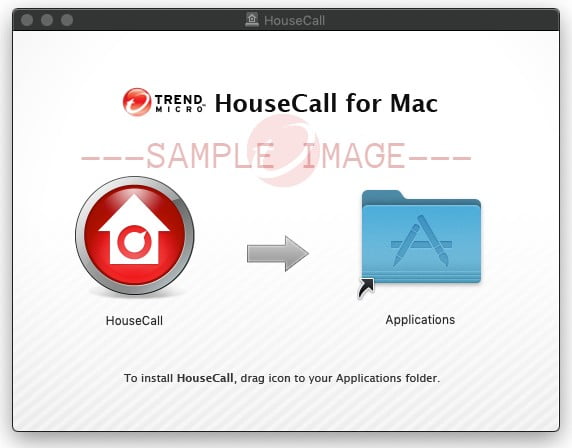
- Open Housecall.dmg.
- Click and drag the Housecall file to the Applications folder.
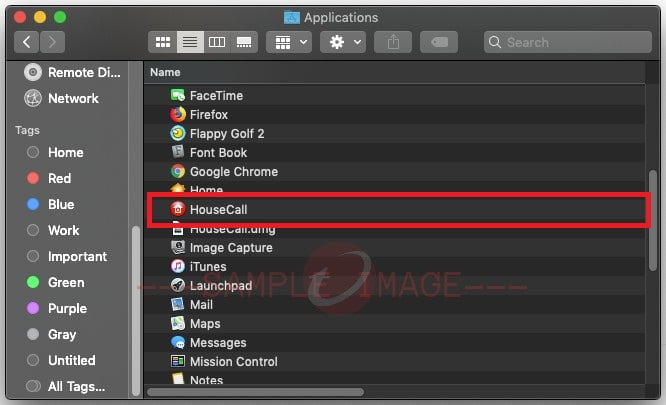
- Open the Housecall application.
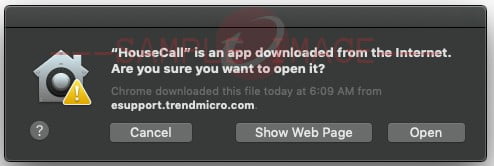
- Click Open when a warning window appears.
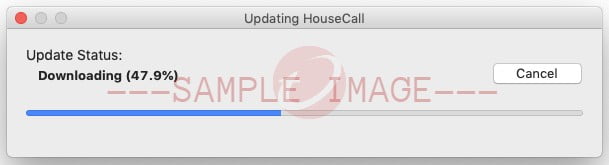
Wait for Housecall to complete the initialization process.
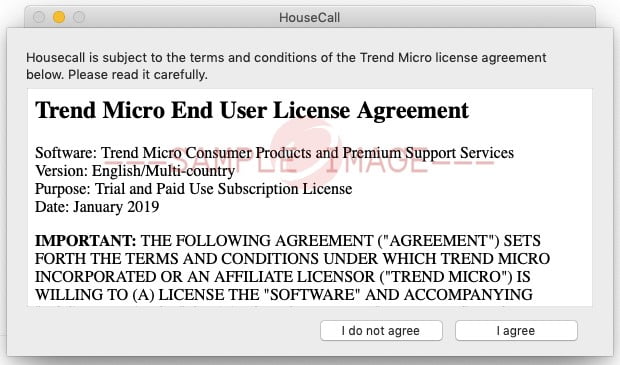
- Read the End User License Agreement, then select I agree.
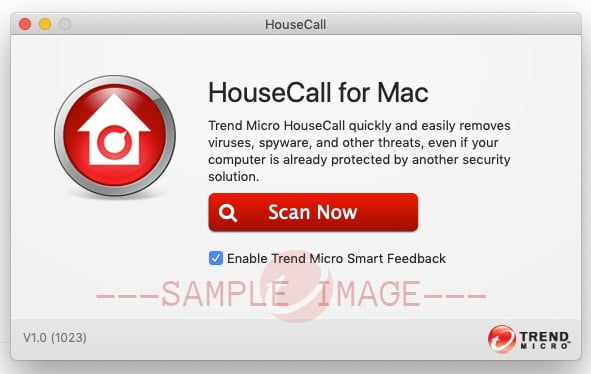
- Click Scan Now and wait for the scan to finish.
Visit the HouseCall page for more information on this free product.
Source : Official Trend Micro Brand
Editor by : BEST Antivirus KBS Team
(Visited 65 times, 1 visits today)