

• Install & Activate
  • Troubleshooting
BEST Antivirus KBS : Largest Anti-Malware Knowlegde Base and Support
  • Install & Activate
  • Troubleshooting

How can I merge licenses in my Avira account?

/Download, Install & Active / Avira / Download, Install & Active / Avira / Avira Business / Download, Install & Active / Avira / Avira Home / How can I merge licenses in my Avira account?
  • November 23, 2021
  • BEST Antivirus Staff 2
  • Avira / Avira Business / Avira Home

Contents

  1. Source : Official Avira Brand Editor by : BEST Antivirus KBS Team
0
(0)

There might be some cases where you will want to merge two licenses.

  • You have purchased a new product and would like to have the remaining time of your previous subscription added to your new license.
  • You have renewed your license, but the duration of the license wasn´t automatically extended, and you now have two licenses.
  • Your new license was wp-signup.phped with another email address and not with your Avira account.

For security reasons, we do not offer the merge option in your Avira customer account.

In these cases, our customer support can help you and merge the licenses manually for you. Simply follow the steps below to create a support request. Please make sure to provide us with as much information as possible on which licenses you would like to merge and why.

Note
Please note that the amount of time added to the new license may vary depending on the value of the merged license and often won’t fully match the duration of the license before it was merged.

How can I submit a support request?

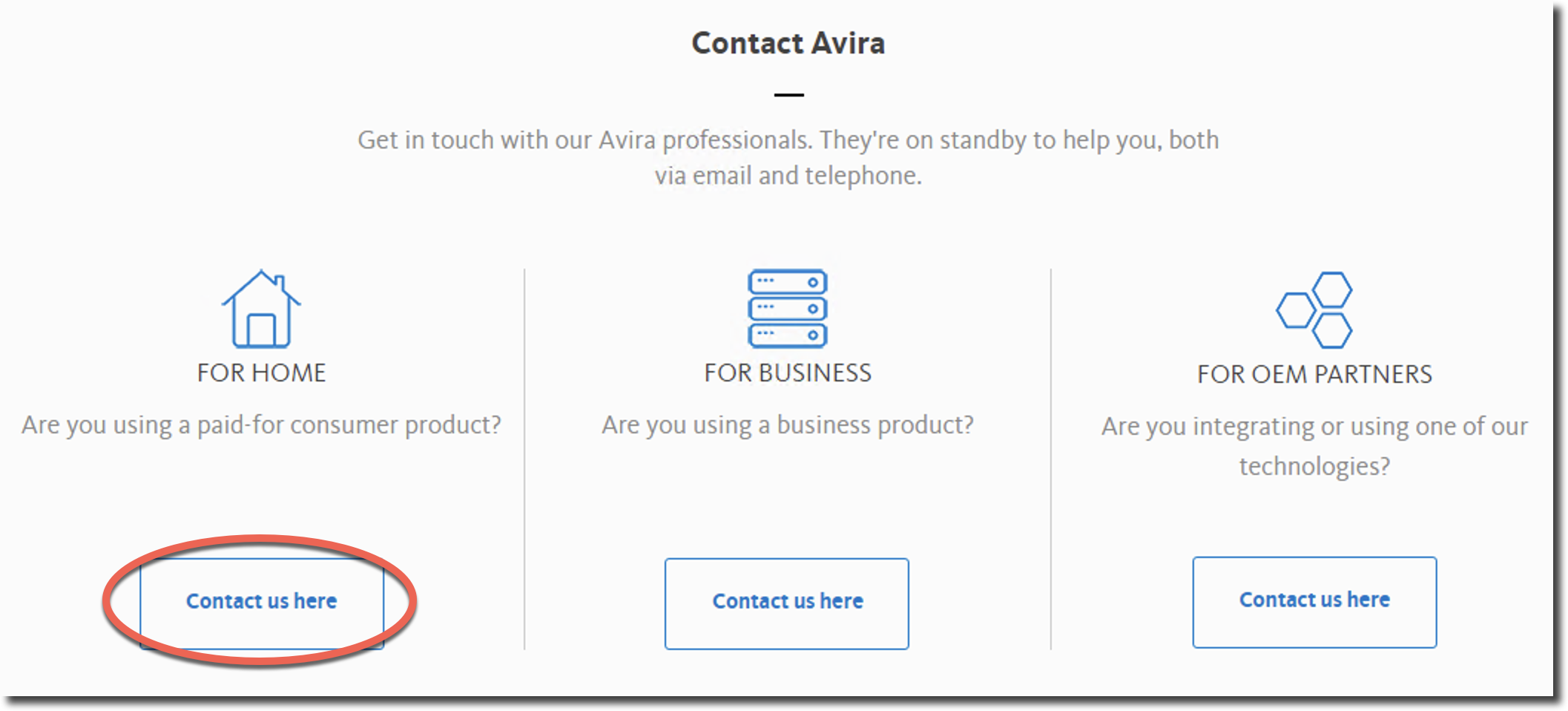
To submit a support request, please go to Avira Support, scroll to the end of the page and click Contact us here under For Home.
1.avira-merge-license-en.png

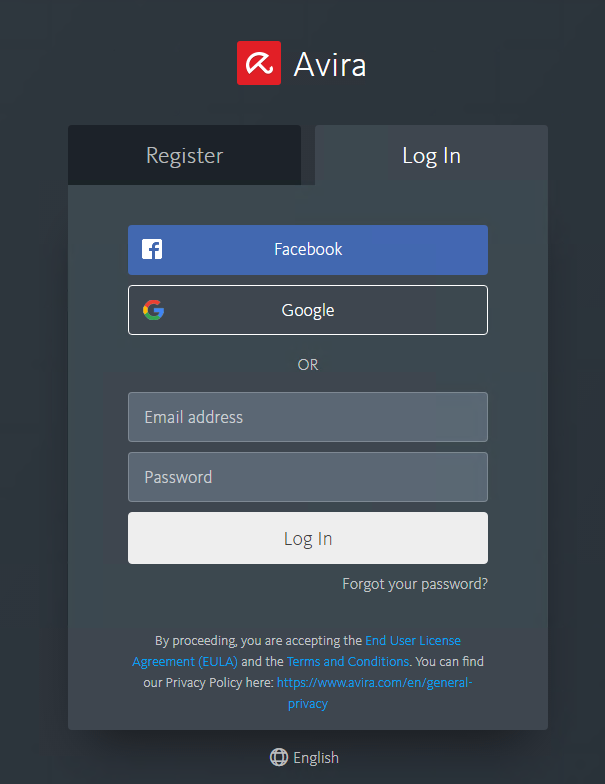
If you haven´t logged in yet, our log in page will open. Please log in to your Avira account here.
Einloggen.png

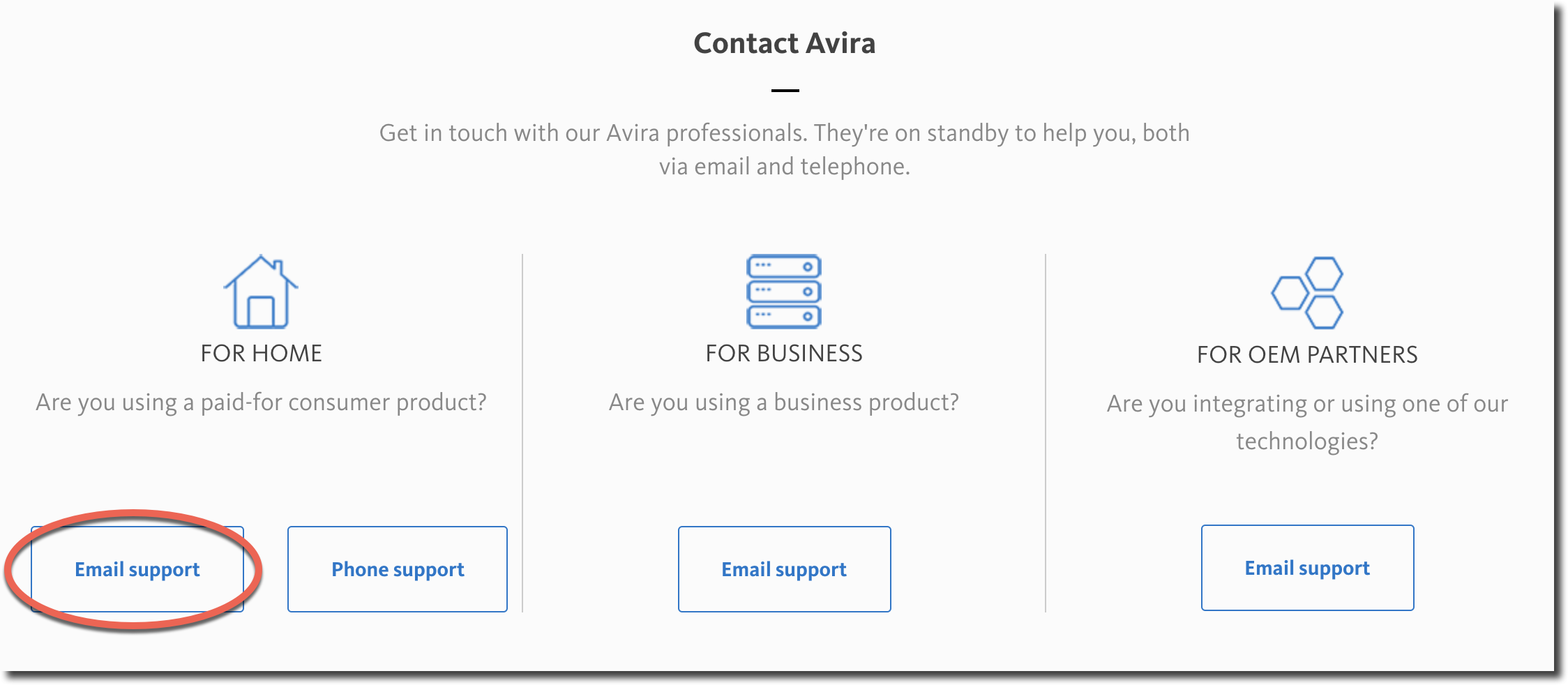
Then select Email support under For Home.
2.avira-merge-license-en.png

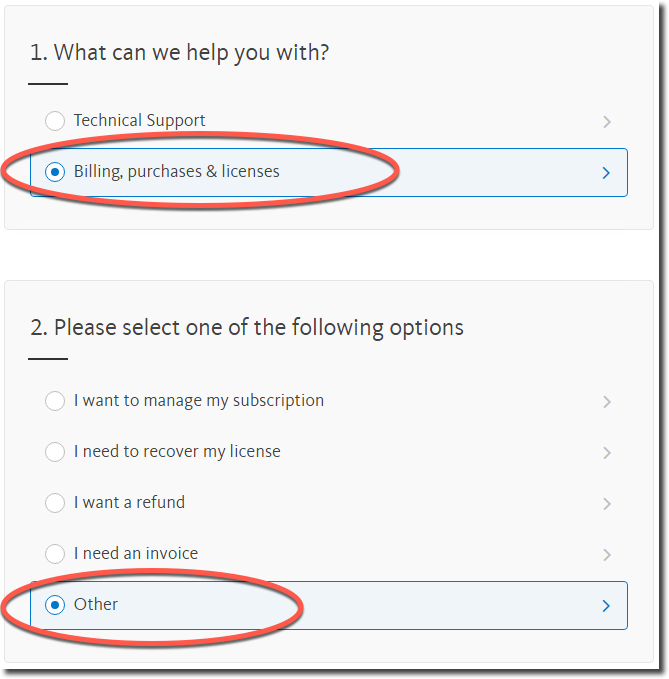
Under Billing, purchases & licenses you will find the item Other.
4.avira-merge-license-en.png

Please describe in detail which licenses you would like us to merge and which one you would like to keep. If you want to merge several accounts, please name the other email addresses too.

After you´re done, click on Submit.
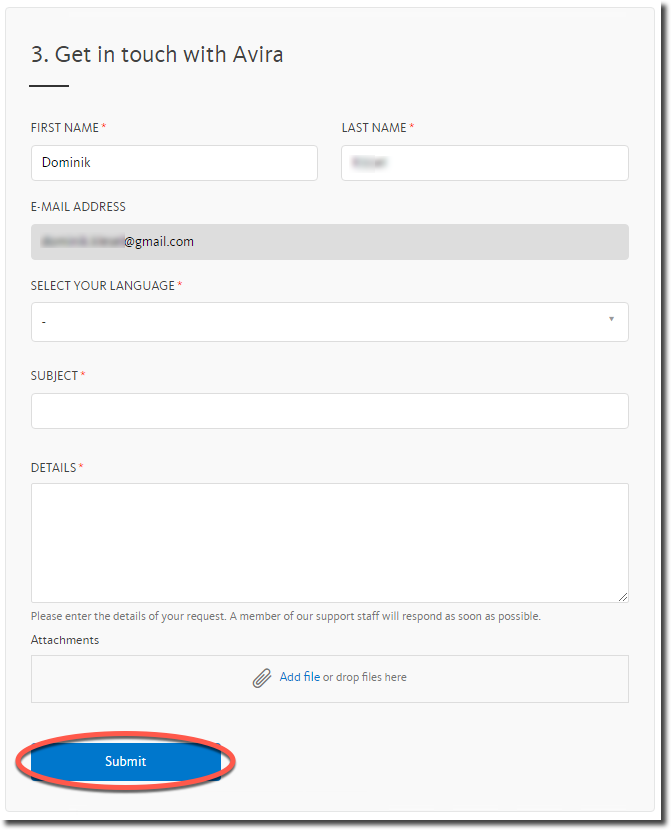
5.avira-merge-license-en.png

Source : Official Avira Brand
Editor by : BEST Antivirus KBS Team

How useful was this post?

Click on a star to rate it!

Average rating 0 / 5. Vote count: 0

No votes so far! Be the first to rate this post.

(Visited 20 times, 1 visits today)
Tagged: aviraavira for businessavira for home

Related Articles

  • All about Avira

  • The use of Avira Rescue System

  • Creating and using Avira Rescue System

  • Introduction of My Avira Account

  • What happens with my support request after I submit it?

  • Login to My Avira Account via the Avira website

ask or enter a search term

Top Rated Posts

5 (1)

Activate code Avast on Windows PC

5 (1)

[KB7391] What’s new in ESET Full Disk Encryption

5 (2)

Getting started (app) (ESET)

5 (1)

[KB3239] How do I uninstall or reinstall ESET Cyber Security or ESET Cyber Security Pro?

5 (2)

[KB6842] Upgrade to ESET Cyber Security and ESET Cyber Security Pro version 6.6 fails on previous versions of macOS (10.6 – 10.8)

About

We are BEST Antivirus , Trusted Comparison and Cheap Antivirus Software 2020. KBS is Knowledge Base and Support : This page was created to guide customers through the installation and to resolve all the common errors of anti-virus software.

Partners

› Avast
› AVG
› BitDefender
› ESET
› Trend Micro
› All Partners

Resources

› Store
› Advertise
› Brand Reviews
› Review Platforms
› Contact Page
› Knowledge Base

  • Install & Activate
  • Troubleshooting
© Copyright by BEST Antivirus by SSG Limited